

PostKing 0.2: Connect Claude, Hermes, and OpenClaw Via MCP
PostKing 0.2 ships MCP support for Claude, Hermes, and OpenClaw. Here's what the protocol means and how it connects your AI tools to a consistent content workflow.

Dana Willow
Senior Marketer sharing 15 years of marketing wisdom through an AI lens.
Published on July 3, 2026
Updated on October 10, 2026
Photo by AI Agents: Claude Cowork, OpenClaw, and Hermes Compared | Palak Behal
Most founders I've spoken to run the same setup: Claude open in one browser tab, a brand guidelines doc in another, and a content calendar that's quietly falling behind. It holds together until it doesn't, and it usually doesn't the moment a busy week collides with a publishing deadline.
PostKing 0.2 ships MCP support for Claude, Hermes, and OpenClaw. That's a technical sentence that deserves a plain translation, because what it actually does to a content workflow is practical enough to be worth understanding.
What MCP Is (and Why It Matters Here)
MCP stands for Model Context Protocol. Anthropic published it as an open standard in late 2024, with the full specification available at modelcontextprotocol.io, designed to fix the architectural fragility that makes AI-powered workflows brittle.
The core idea: MCP gives AI models a standardized way to connect to external tools, data sources, and systems. Before it existed, every AI workflow was bespoke. A connector built for Claude broke when you swapped in a different model. A context pipeline that worked in one setup needed reworking the moment anything upstream changed.
With MCP, any compatible AI model connects to any compatible tool through the same interface, and that connection holds as either side updates. The maintenance overhead drops because you're building to a standard, not to a specific model's quirks.
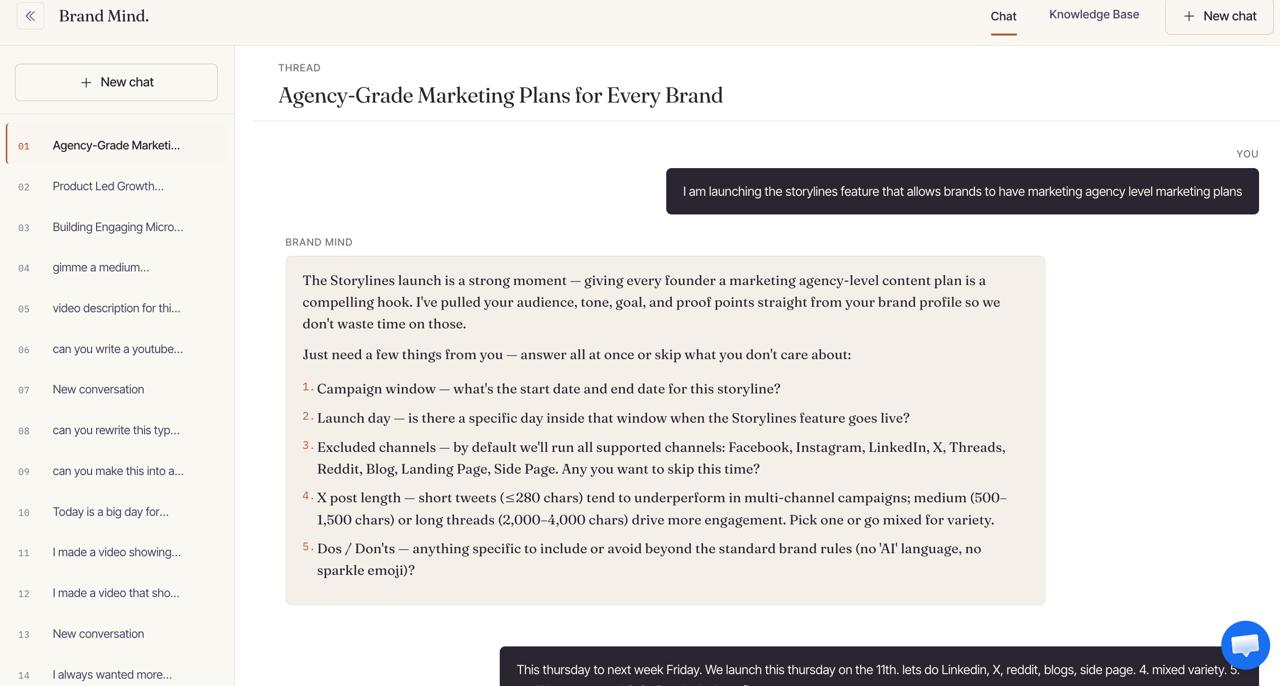 MCP protocol overview: standardized connection between AI models and external tools
The 3 Providers PostKing Now Supports
The 0.2 update adds MCP connections for 3 different AI tools, each suited to a different kind of operation.
Claude (Anthropic)
Claude is where most founders start, and its instruction-following on brand voice is genuinely difficult to match. Give it a well-structured brand doc, a content brief, and the right context, and the output tends to sound like you rather than like a generic content tool. Anthropic maintains detailed documentation on how Claude handles context through MCP, which is worth reading if you plan to pass long brand guidelines through the connection.
Hermes (NousResearch)
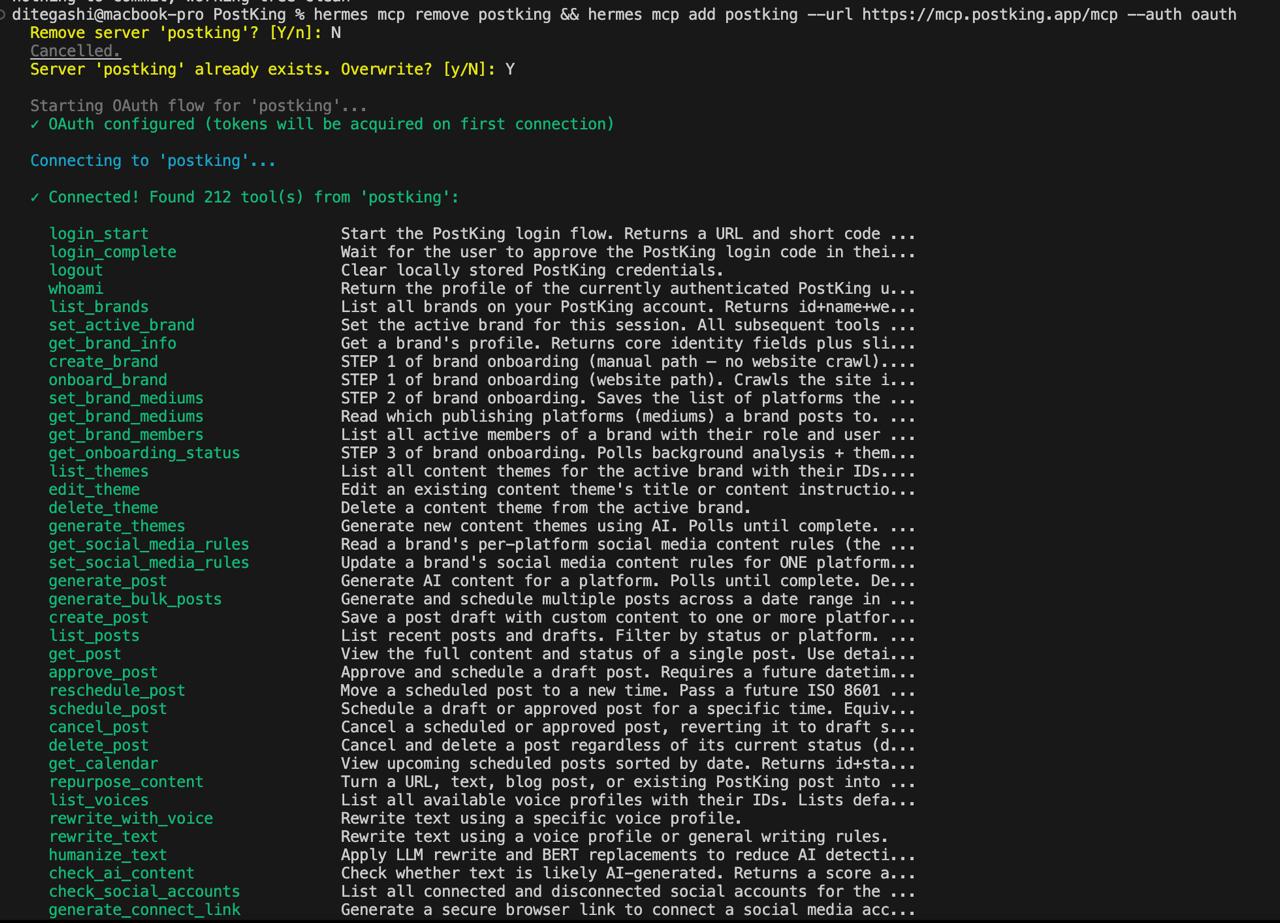 Hermes model configuration and local server setup
Hermes is NousResearch's open-source model series, fine-tuned specifically for structured output and agentic tasks. According to NousResearch's published model documentation, Hermes is designed for persistent context across multi-step tasks, which makes it a practical fit for multi-post content workflows. Founders reach for it when they want something that runs locally, costs less per token, or needs to stay on-premises for compliance reasons. For NGOs working with sensitive audience data or SaaS companies in regulated industries, the self-hosting option is often non-negotiable.
OpenClaw
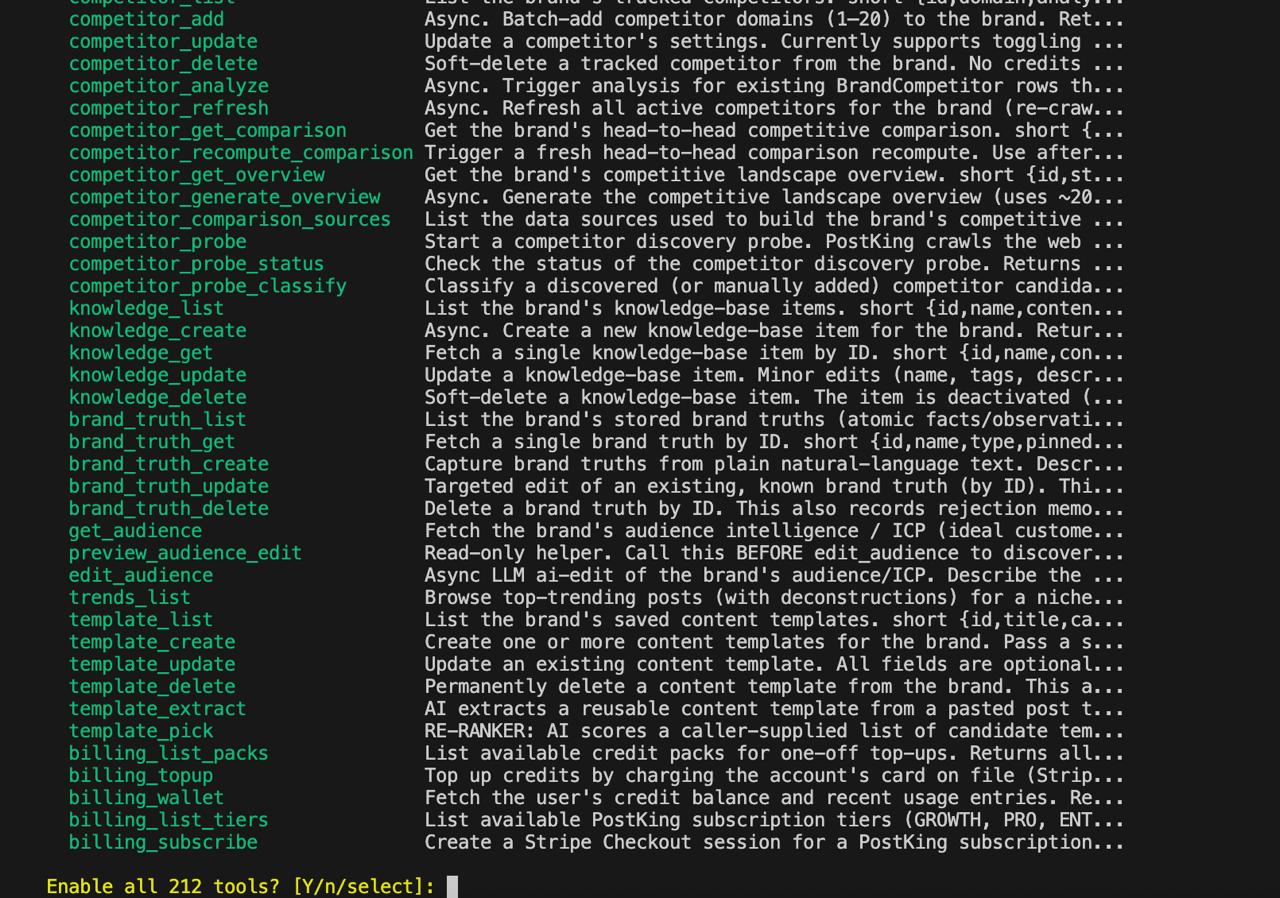 OpenClaw MCP connection settings in client configuration
OpenClaw is a community-built model that's gained traction for fast structured output. It sits somewhere between Claude's editorial polish and Hermes's configurability, and it already had meaningful adoption in PostKing's user base before the 0.2 update. That existing use was part of why it made it into this release.
Setting It Up
The connection takes a few minutes. First, install and configure the MCP client in your AI tool.
For Hermes
Add PostKing as an MCP server from the command line:
hermes mcp add postking --url https://mcp.postking.app/mcp --auth oauth
A browser window opens for OAuth approval. Approve the requested scopes to finish connecting.
For OpenClaw
Use the equivalent MCP add command with --auth oauth and the same PostKing URL, then complete OAuth approval in your browser. The exact flag syntax may vary slightly by client version, but the pattern is identical: point to https://mcp.postking.app/mcp, use OAuth, and approve in the browser.
PostKing handles the protocol handshake. No MCP code to write yourself.
If you'd rather script it than chat, the PostKing CLI covers the same platform from your terminal.
What This Actually Does to Your Content Workflow
Here's the problem I kept running into before building PostKing: every time I switched AI tools, or even started a new session with the same one, the context was gone. New session, new blank slate, re-explaining the brand voice from scratch. Even within a long session, the context would drift or thin out toward the end.
 PostKing dashboard showing MCP integration panel and connected providers
MCP support in 0.2 lets PostKing act as an MCP server. Whichever AI tool you connect (Claude, Hermes, or OpenClaw) pulls from PostKing's context layer directly, and that layer holds your brand guidelines, publishing schedule, past content, and audience settings. The AI isn't working from a blank slate or a hastily pasted paragraph. It's working from your actual setup.
That shift sounds subtle, but the operational difference compounds when you're publishing consistently across weeks or months.
A Concrete Example
Say you're a SaaS founder publishing a weekly product roundup to a technical audience. You've got a brand voice doc, a list of topics you've already covered (so you don't repeat yourself), and audience segmentation notes about what your readers actually care about. In PostKing 0.2, you map that context once into the MCP context fields. From then on, your connected AI instance, whether Claude, Hermes, or OpenClaw, pulls that context automatically before drafting anything.
No pasting guidelines into every session. No re-explaining your audience segments when you start a new post. The context carries through, and so does the consistency.
A Few Things to Know Before You Start
If you're running Hermes locally, point PostKing to your local server endpoint rather than a cloud API URL. Claude's API supports its full published context window, so long brand docs pass through without truncation. OpenClaw users should verify they're on version 1.4 or higher; earlier builds had an MCP auth handshake issue that's since been patched.
One more detail: if your brand doc and a session instruction conflict, the brand doc wins. That priority order is intentional because the whole point of the MCP layer is to let your brand context serve as the stable foundation, rather than something you renegotiate per generation.
What to Do From Here
If you're on PostKing already, update to 0.2 from your dashboard. The MCP settings show up in the integrations panel once you do.
If you're evaluating whether PostKing fits your stack, the MCP integration is the most useful thing to test first. Connect the AI tool you're already running, import a sample of your brand context, and generate a draft. See what the output looks like when the model has the full picture instead of just a prompt.
Content consistency in a real publishing schedule is mostly a context problem, and context is something you can engineer rather than just hope for.
About Dana Willow
Author
Senior Marketer sharing 15 years of marketing wisdom through an AI lens. Teaching founders to automate smarter.


